


Keep your Wi-Fi on when the power goes off
When the power cuts out, your router goes with it, and so does your connection. The Snug Mini DC UPS sits between the wall and your router or modem. It charges its built-in 8,800mAh lithium battery from the mains and keeps a compatible device powered when mains power fails.
It is a compact DC unit with a switchable 9V / 12V output, a switchable 15V / 24V PoE output and a USB port, so it also suits some CCTV cameras, LED lights and phones. Because every router and camera has its own power needs, the compatibility checklist below matters. It takes two minutes and saves a return.
Why choose the Snug Mini DC UPS
Keeps your router on in a power cut
When mains power fails, the built-in battery keeps a compatible router or modem running, so you can stay online.
Two switchable output voltages
One switch sets the DC output to 9V or 12V. A second sets the PoE output to 15V or 24V.
More than a router
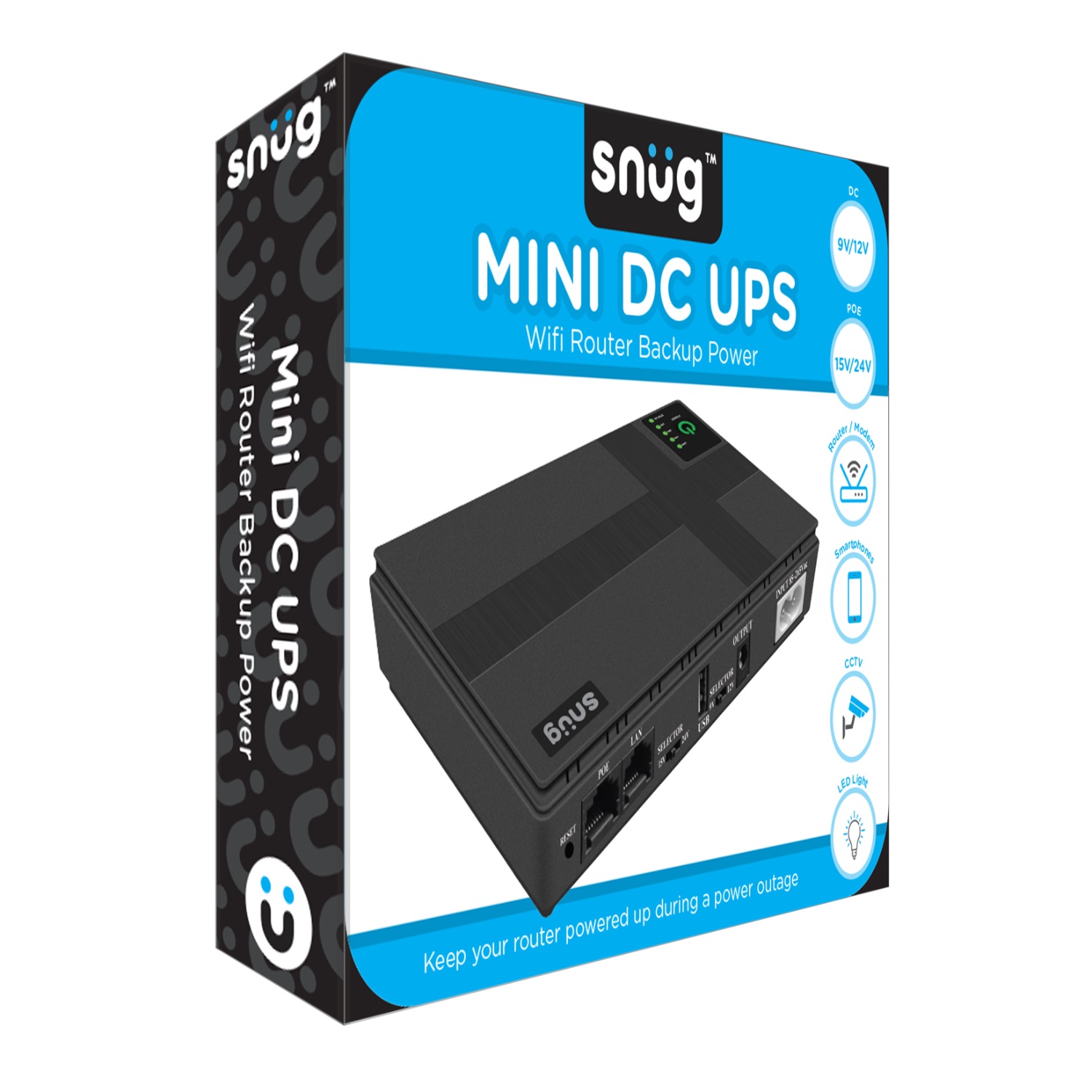
Designed for routers and modems, smartphones, CCTV cameras and LED lights, where the voltage and current match.
8,800mAh lithium battery
The battery is built in, so there are no loose cells to buy or fit.
Built-in protection
Overload and short-circuit protection are part of the design.
See the charge at a glance
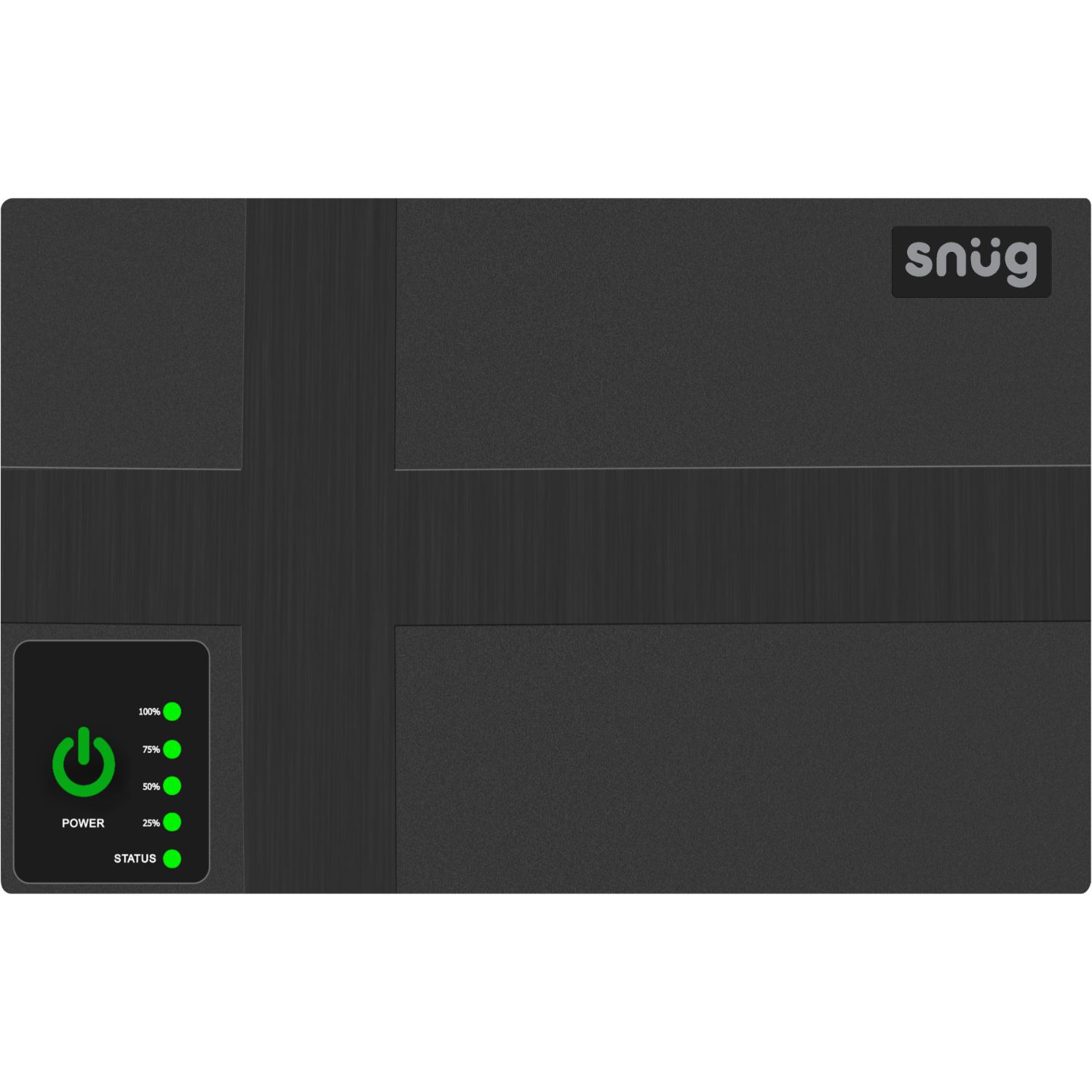
Battery-level LEDs show 25%, 50%, 75% and 100%, with a separate status light.
Technical specifications
| Brand | Snug |
|---|---|
| Model / SKU | SNEX-MINIUPS-BK |
| Barcode (EAN-13) | 6008076069260 |
| Colour | Black |
| Battery | Built-in lithium battery, 8,800mAh |
| DC output | 9V / 1A or 12V / 1A (switchable) |
| PoE output | 15V / 0.6A or 24V / 0.6A (switchable) |
| USB output | USB port (output rating not published by the supplier) |
| Mains input | 85–265V AC |
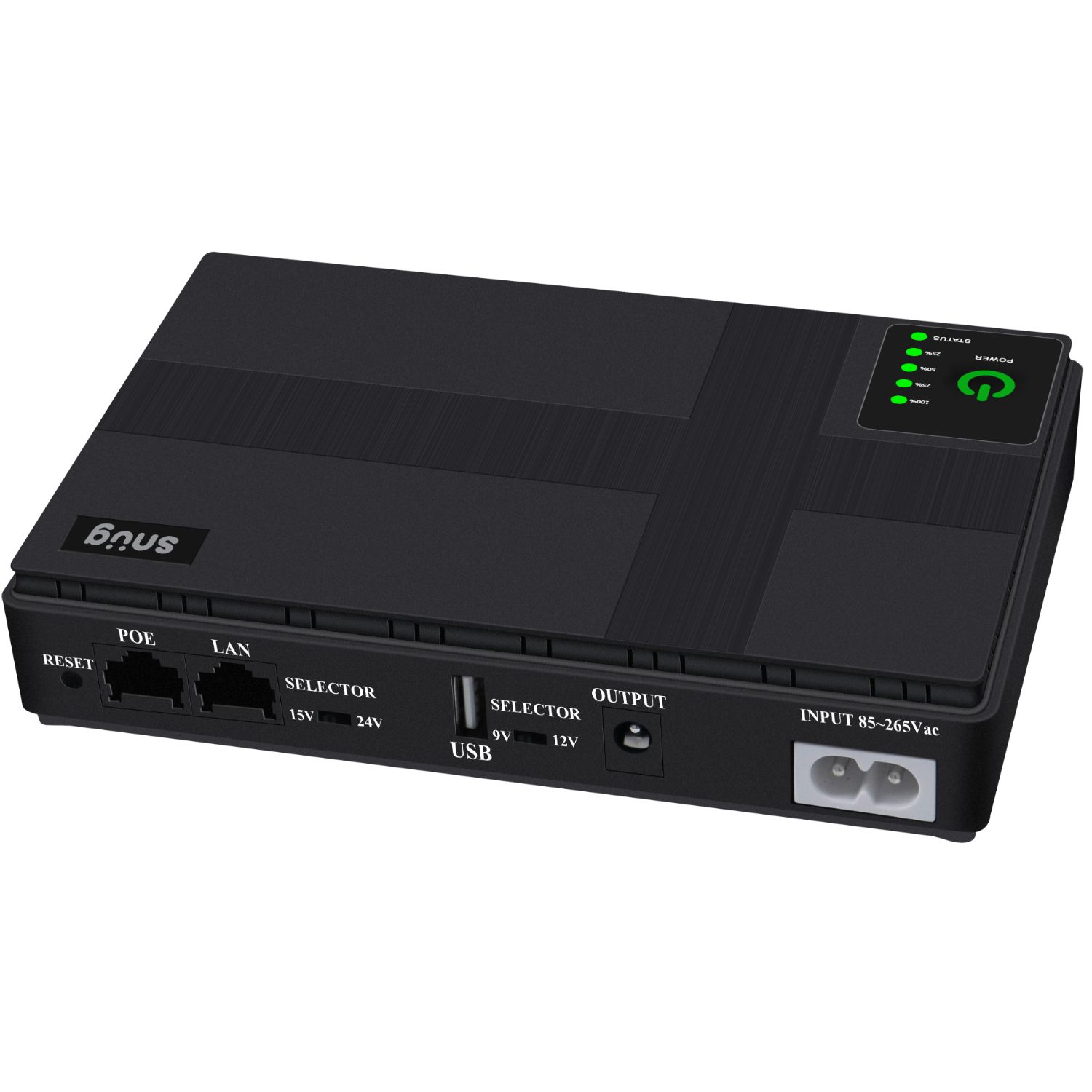
| Ports marked on the unit | DC output jack, PoE, LAN, USB, mains input, reset |
| Protection | Overload and short-circuit protection |
| Indicators | Status LED and battery-level LEDs (25%, 50%, 75%, 100%) |
Source: our supplier’s product record (Gammatek) and the markings printed on the unit and its retail box. Runtime, charge time, dimensions and weight are not yet confirmed, so we have not published them.
Will it work with my device? Check these three things
Find the label on your router’s power adapter (or on the camera or light you want to run). It lists the voltage and current the device needs.
- Voltage must match. The label should say 9V or 12V for the DC output, or 15V or 24V for the PoE port. Set the matching selector switch before you connect anything. Do not connect a device that needs a different voltage.
- Current must not exceed the rating. The DC output is rated at 1A and the PoE output at 0.6A. Your device’s label shows its current in A or mA, and it must be at or below those figures.
- The plug must fit, with matching polarity. The unit has a DC output jack and a PoE port. Your device’s plug must fit, and the polarity symbol on its label must match.
Usually a good fit
- Routers and modems that run on 9V or 12V DC
- Devices that run on 15V or 24V PoE and stay within the rating
- CCTV cameras and LED lights that match the voltage and current
- Phones, through the USB port
Not suitable for
- Devices that need a different voltage from the four options
- Devices that draw more than the rated current
- Anything that runs on mains power, such as TVs, PCs or appliances
Frequently asked questions
Will it work with my router?
It will if three things match: the voltage (9V or 12V on the DC output, or 15V / 24V on the PoE port), the current (your device must draw no more than the output rating) and the plug (it must fit, with the same polarity). All three are printed on your router’s power adapter. If you are not sure, WhatsApp us the model and we will check before you pay.
How long will it keep my router running?
There is no single answer. Runtime depends on how much power your device draws and on the condition of the battery. Our supplier does not publish a tested runtime, so we do not quote one either. A low-power device runs longer than a power-hungry one. Send us the voltage and amps on your router’s label and we will give you an honest view before you buy.
What does 8,800mAh mean?
mAh (milliamp-hours) is a measure of battery capacity. A bigger number means more stored energy, but it does not convert straight into hours, because the voltage and the power draw of what you connect change the result. That is why we do not turn it into a runtime claim.
How do I charge it?
Connect the mains input (marked 85–265V AC on the unit) to mains power. The battery-level LEDs show the charge in 25% steps. The supplier does not state a charge time.
Can it run my phone, CCTV camera or LED lights?
It is designed for those uses where compatible. Phones connect to the USB port. CCTV cameras and LED lights must match the DC (9V or 12V) or PoE (15V or 24V) output and stay within its current rating. Check the label on the device first.
What do I need to connect it to my router?
A DC lead with a plug that fits both your device and the UPS output jack, with matching polarity. We have not yet confirmed whether a lead is supplied in the box, so if you are unsure, ask us on WhatsApp before you order.
Will it keep my fibre connection working?
It powers whatever you plug into it. Many fibre setups use a separate fibre box (ONT) as well as a router, and each one needs power. Check what each device needs and whether both can be covered. WhatsApp us your setup and we will tell you straight.
How long does delivery take, and can I return it?
Delivery is typically 2–4 working days, and the delivery cost is shown at checkout. Read our shipping policy and returns policy for the details.


